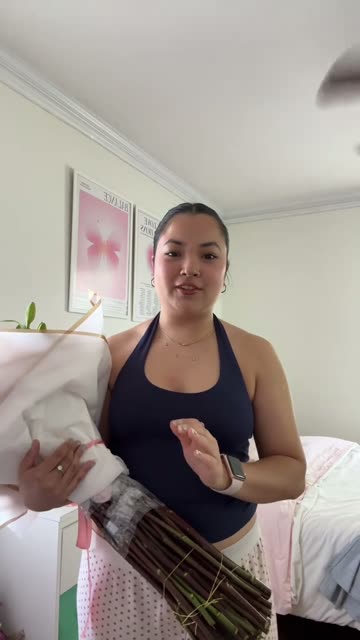
Film your take
Scan a code and record on your phone, with your script on the screen. Or drop in a video you already have.
Video editing
Film one take on your phone. Iris cuts the pauses, adds captions and music, and gives you a video ready to post in about a minute.
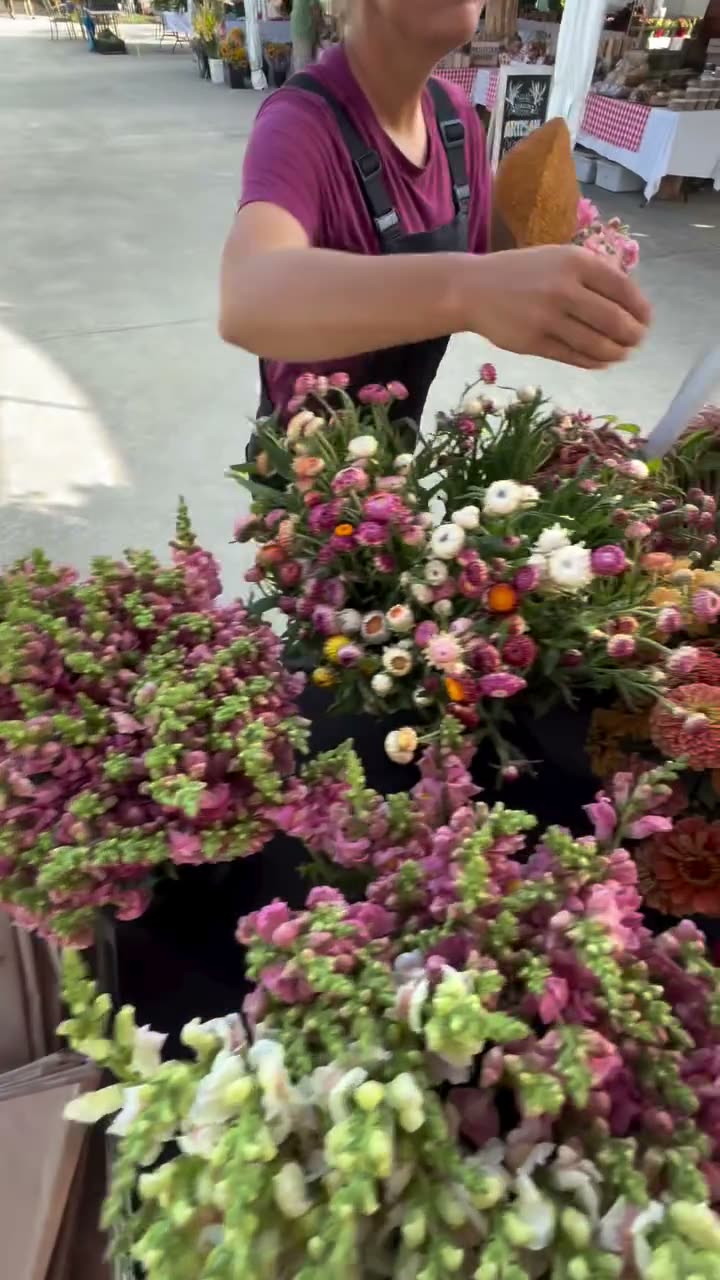
Edit my video
The edit
Try it: choose a caption style and the music. In the app, this is all you decide. The cutting, the timing and the close-ups are done for you.
UpbeatYour take0:33
Edited0:28
What Iris did
What it does
No timeline, no keyframes, no export settings. You film, and Iris hands back a video that looks edited by a pro.
Iris cuts between your words and closes the pauses, so the video keeps moving from the first second.
Captions in the style you pick, close-ups on the lines that matter, music made for the video and an end card with your logo.
Your first video sets your look. Every video after it matches, and a small change leaves everything else as it was.
How it works
Scan a code and record on your phone, with your script on the screen. Or drop in a video you already have.
Pauses out, captions, music and an end card in. About a minute.
Say what to change in plain words. Only that changes.
 hirestartstoday.